


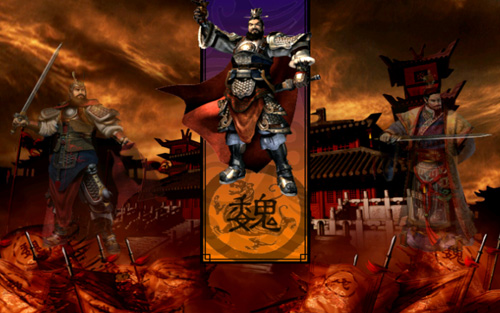
Dragon Throne: Battle of Red Cliffs
(as บัลลังก์มังกร: ศึกผาแดง)
ดราก้อน ธรอน: แบทเทิล ออฟ เรด คลิฟส์
Platform: 
 ภาษาไทย |
  English
บทสรุปเกม
WALKTHROUGH
Other Hot Keys
Dragon Throne: Battle of Red Cliffs
| Hot Key | Function |
| Esc | The game will pause and a Control Box will appear. |
| F1 | Open "Help" |
| F2 | Save Game |
| F3 | Load Game |
| F4 | Mission Objectives |
| F5 | Game Options |
| SpaceBar | Game Pause |
| E | Select all the military units in the present Window. |
| C | Selects one Ceremonial Arch in this country. |
| V | Selects one Village in this country. |
| F | Selects one Farm in this country. |
| A | Selects one National Academy in this country. |
| M | Selects one Market in this country. |
| P | Selects one Camp in this country. |
| K | Selects one Machine Workshop in this country. |
| Ctrl+Num Keys | Group troops |
| Shift+Num Keys | Select the relevant troops as well as the present selected troops. |
| Alt+Num Keys | Select the relevant troops and switch to this troops' Window. |
| W | Toggle through the Warriors in the current Window |
| Q | Identify idle Laborers |
| H | Select the Court House in your kingdom. |
| J | Selects a City in this country. |
| G | Selects one City Gate in this country. |
| I | Selects one Inn in this country. |
| O | Selects one Workshop in this country. |
| T | Selects one Temple in this country. |
| B | Selects one Barracks in this country. |
| S | Selects one Stable in this country. |
| Upgrades | Upgrades Barracks in this country. |
Note:
*Double-click on a unit and all the units of the same type can be selected.
* Press "Ctrl" and hold. This will allow you to add target units to your selected group.